Your cameras, sorted. Step by step.
Short, straight-talking video guides for your Dahua system — set up the app, keep it secure and get a camera back online. Made by the Birmingham engineers who fit them.
Get the DMSS app running
Three short videos take you from a fresh install to watching your cameras live on your phone.
 Part 1
Set up DMSS on your phone
Download the DMSS app and get it ready to link up with your recorder — the first step to viewing your cameras from anywhere.
Watch guide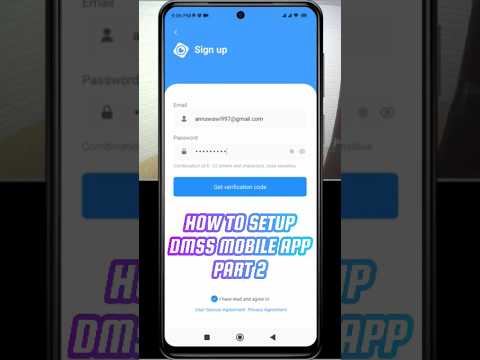 Part 2
Add your first camera
Scan the QR code on your recorder and pop in your details. You'll be watching a live picture within a couple of minutes.
Watch guide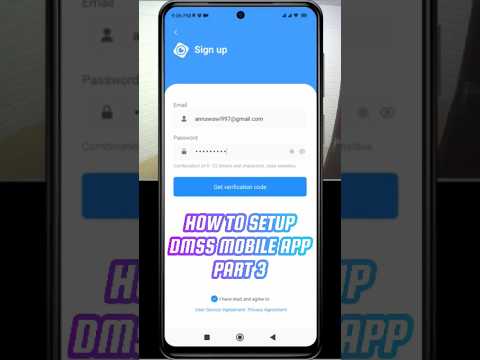 Part 3
Get a crisp, smooth picture
Tune the live view to suit your connection so the feed on your phone stays sharp and doesn't stutter.
Watch guideKeep it secure, share it safely
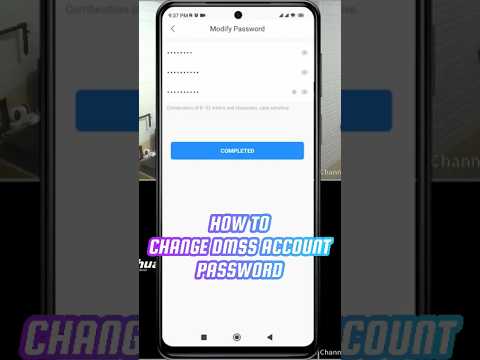
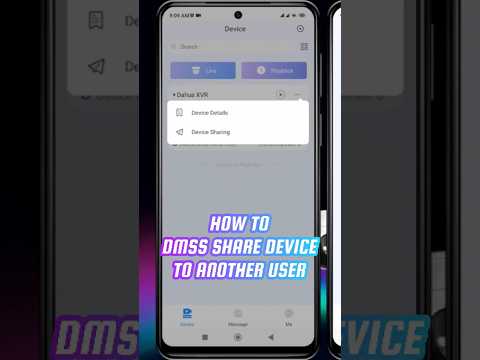
Lock down your account and let the people you trust view the cameras — without handing over your main login.
Camera showing as offline?
Start here. Most offline recorders come back with a couple of simple checks before you touch any settings.
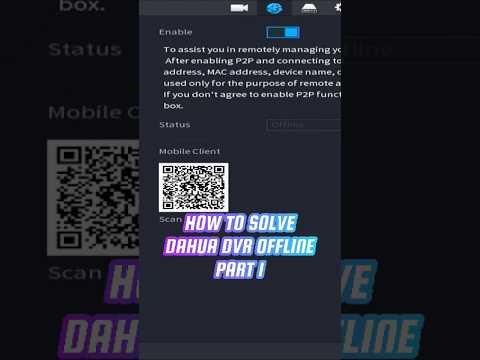 Part 1
First checks for an offline recorder
The quick things to look at when your DVR drops offline. Often it's something simple you can fix in minutes.
Watch guide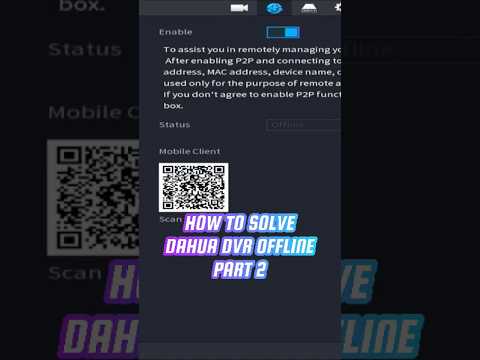 Part 2
Still offline? Check the connection
Walk through your network and connection settings to get the recorder talking to the app again.
Watch guideWatch from anywhere
Set your system up for reliable remote access, so you can check in whether you're at work, away or on holiday.
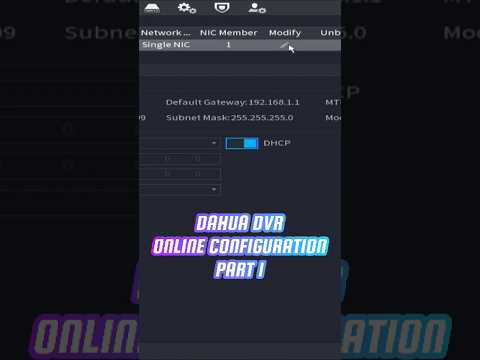 Part 1
Turn on remote viewing
Switch on remote access so you can see your cameras from anywhere, not just at home on the same Wi-Fi.
Watch guide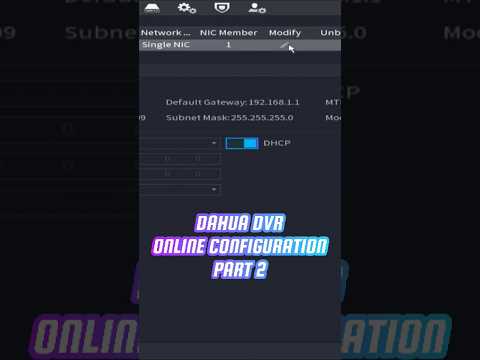 Part 2
Set up the connection
Get your router and recorder working together so the live feed reaches your phone reliably, wherever you are.
Watch guide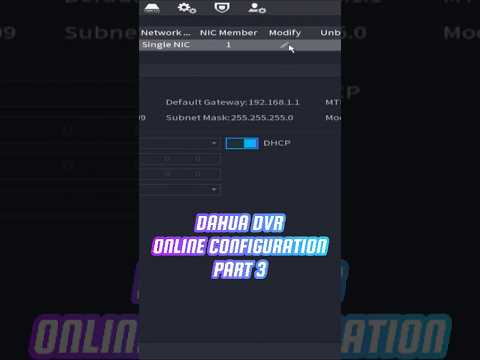 Part 3
Add a secure connection
Finish the setup with a secure link, so your footage stays private on its way to your phone.
Watch guideGet the small stuff right
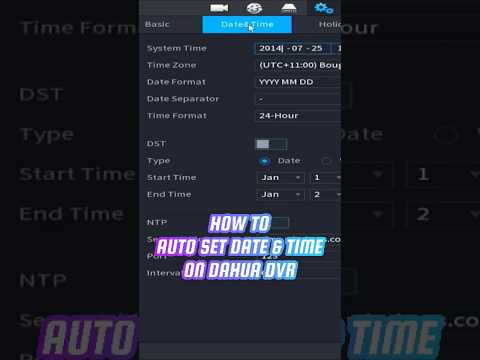
A correctly stamped clip matters if you ever need to find footage from an exact time — here's how to keep it accurate.
Before you call
The questions we get asked most. If the answer here doesn't sort it, we're on the end of the phone.
My recorder says "offline" — what do I do first?
I've forgotten my device password
How many people can view the cameras?
Is there a monthly fee?
How far back does my footage go?
Video didn't quite crack it?
No problem. Tell us what's happening and a Birmingham engineer will talk you through it — or come out if it needs a proper look.
Call 0121 312 9767 Real people · Local engineers · No call centres